01
Storage Shelves
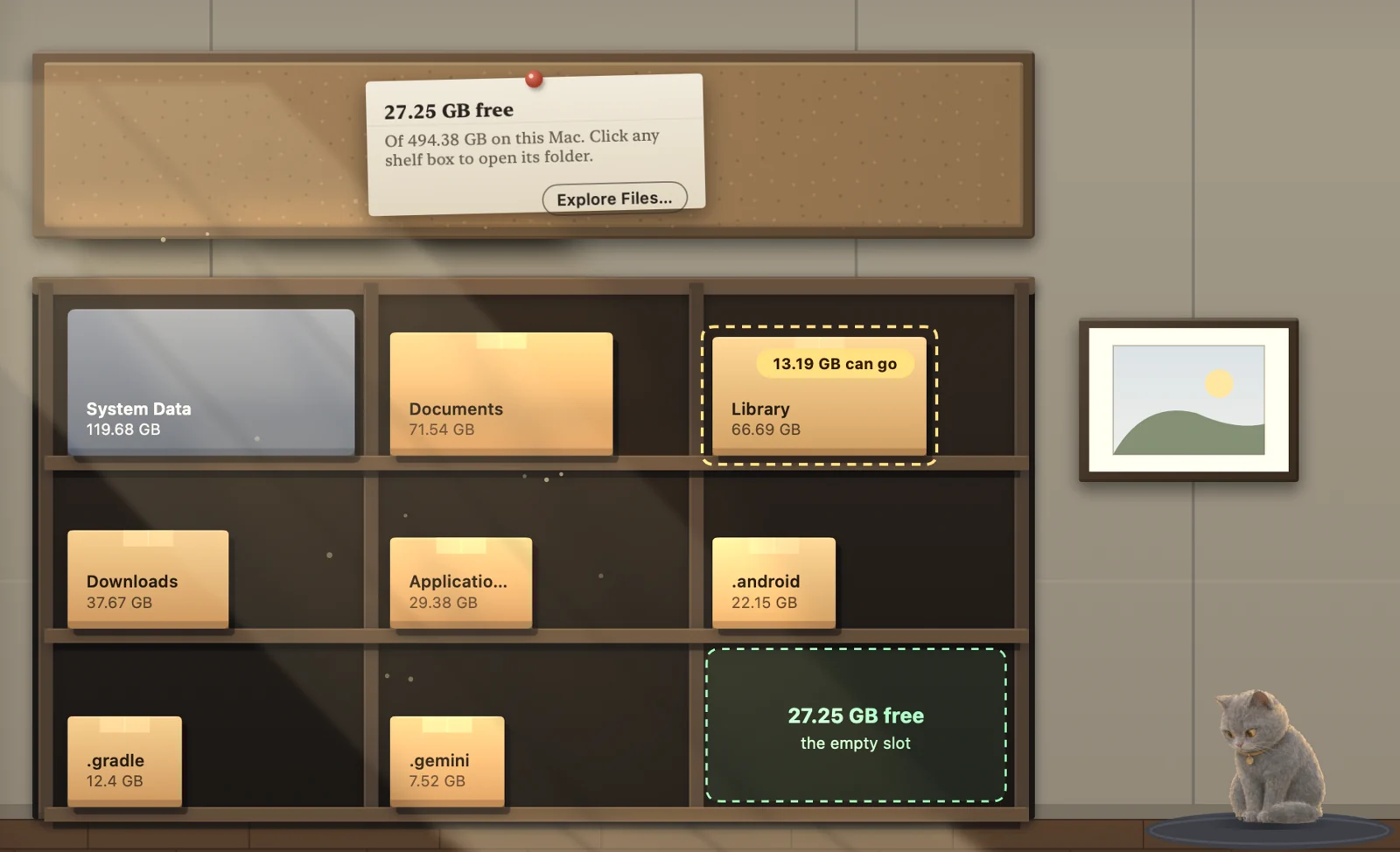
Every big folder is a box on a shelf, sized by what it holds. The empty slot is your free space.
 Clean House
Mac storage cleaner · macOS 15+
Clean House shows your disk as a painted house and explains every file before it goes: who made it, when you last opened it, and whether it will come back.
Or install from Terminal. It checks the SHA-256 and skips the “can't be opened” prompt. Read the script.
Clean HouseOverview: every room of your Mac at a glanceOther cleaners show a path and a size. Clean House reads facts your Mac already keeps, then makes one plain call: safe to clear, your call, or keep.
Ticking only marks a file. Nothing moves yet.
Each file is checked again right before it moves.
Recently Cleared returns anything to where it was, until you empty the Trash.
System files are never touched. No account. No file names sent anywhere.
Five painted rooms, one job each. The sizes are real.
Every big folder is a box on a shelf, sized by what it holds. The empty slot is your free space.
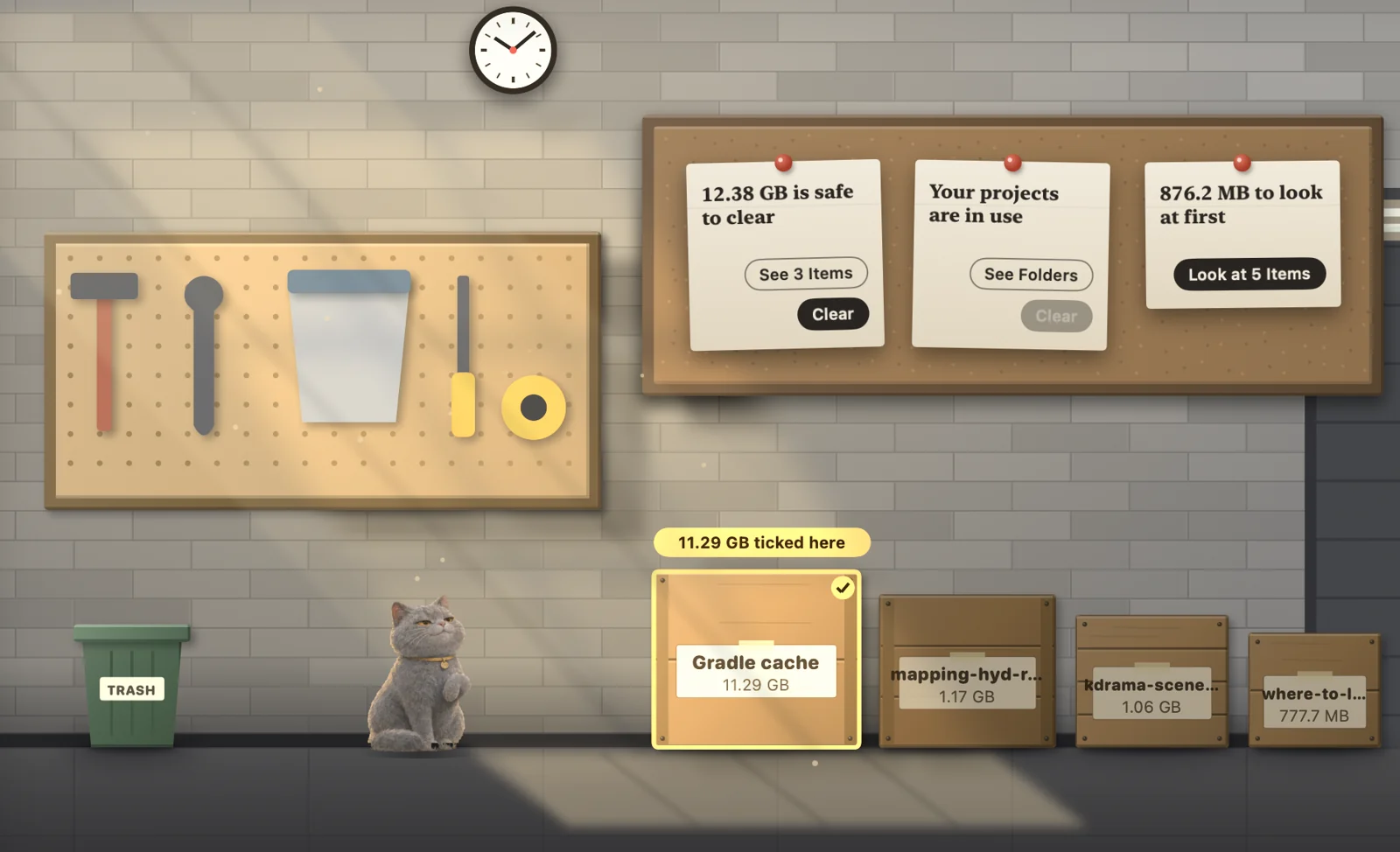
Crates sorted three ways: safe to clear, your projects, and look first. Tick one, see what goes.
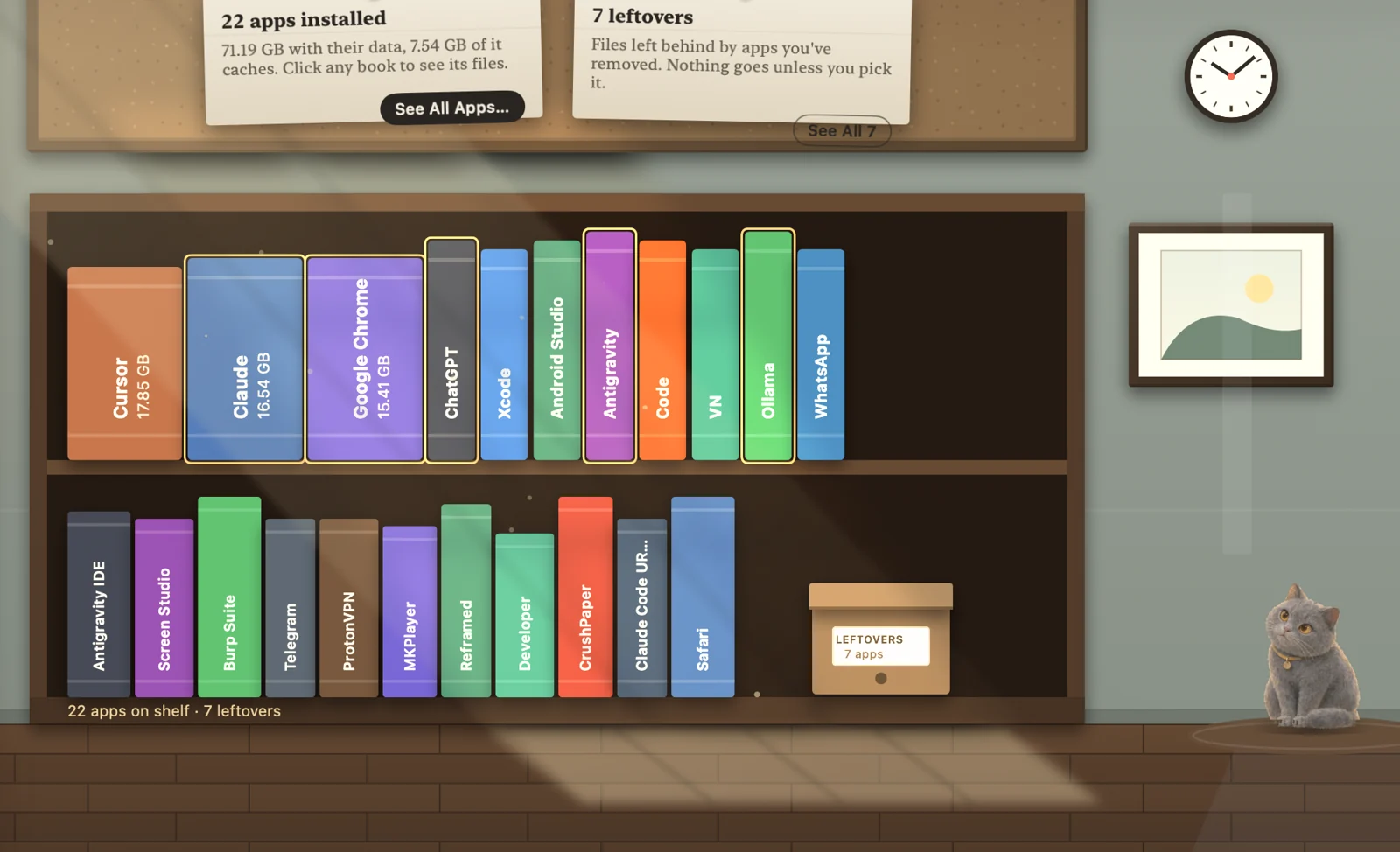
One book per app, as thick as the app and its data. Leftovers from removed apps wait in a box.
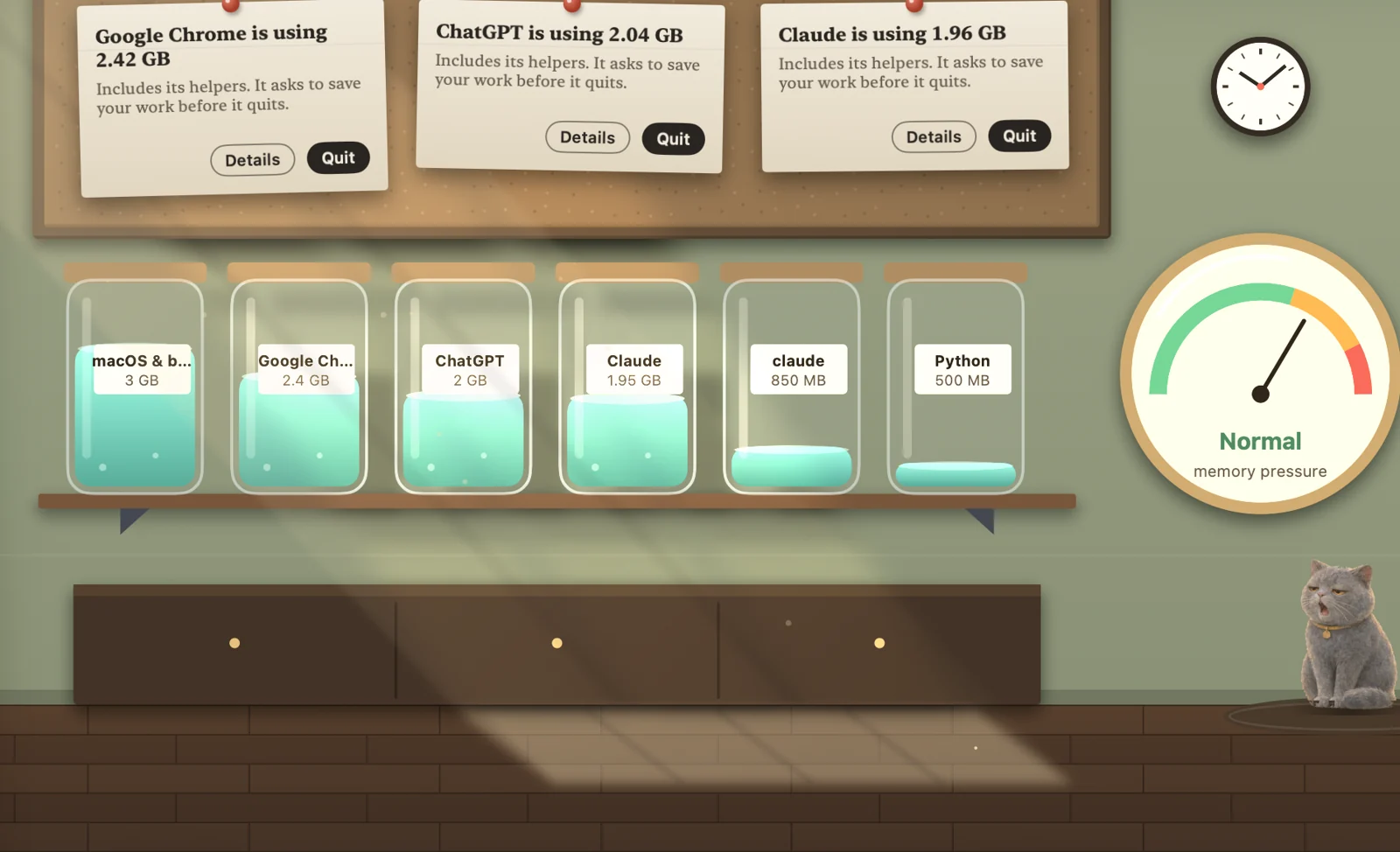
Each app's memory, helpers counted, poured into a jar. Real memory pressure on the gauge.

Dev servers on the monitors, every listening port by name, with a stop button.
| Feature | Clean House | CleanMyMac | DaisyDisk | Mole |
|---|---|---|---|---|
| Says why a file is safe | Facts from your Mac | Generic categories | Shows space only | What, not why |
| Trash first, put back later | Always | — | — | Some commands delete outright |
| Explanations stay on your Mac | Yes | — | No explanations | No explanations |
| Price | Free · Pro $4.99 once | ~$40/yr | ~$10 once | Free |
Prices approximate, from public pages, Nov 2026. “—” means not checked, so not claimed.
It never deletes. Files you pick move to the Trash after a final check, and Recently Cleared puts them back. System files are never offered.
No. Scans, rules and Why? cards run on your Mac. File names and paths are never uploaded. No account.
Clean House can't be sure you're done with it, so it shows you the facts instead of deciding for you.
macOS hides some storage from apps. Full Disk Access lets Clean House count it. It's optional; without it you'll see where storage is hidden.
Yes. An optional one-time Pro ($4.99) is planned. No subscription.
Any Mac on macOS 15 Sequoia or later.